TABLE OF CONTENTS
Stay up-to-date on service availability with Lede’s System Status site.
Finding the Status Page
Lede’s System Status Page provides real-time information about the health and performance of our services. You can access it directly at https://lede.instatus.com/, or find a convenient link in the Lede menu within your WordPress admin dashboard.
Subscribe for Instant Updates
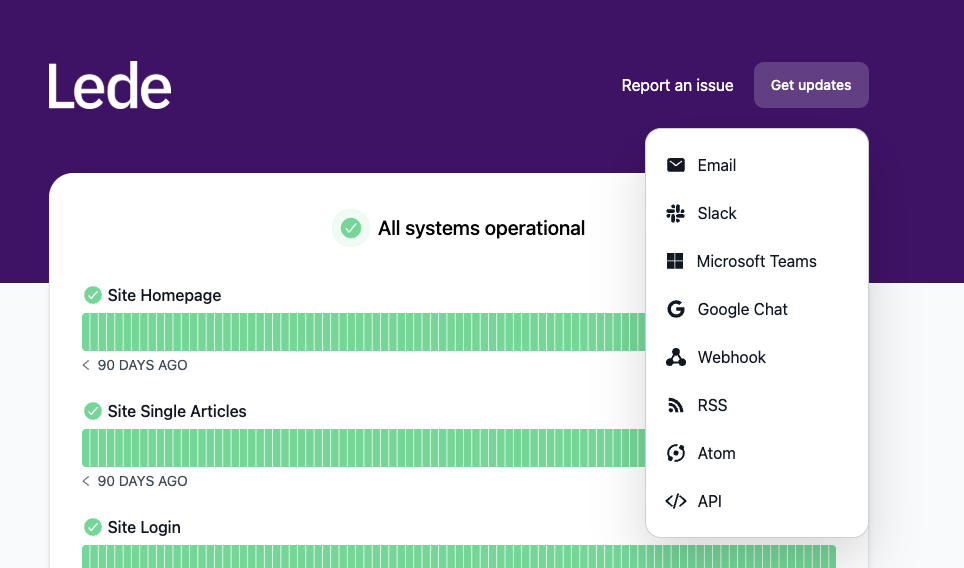
Stay ahead of any service interruptions by subscribing to automated notifications. Simply click “Get Updates” in the top right corner of the status page, then select your preferred notification method – such as email, Slack, or Google Chat. You have full control over what you receive: subscribe to all status updates for comprehensive monitoring, or choose what you think is most important.
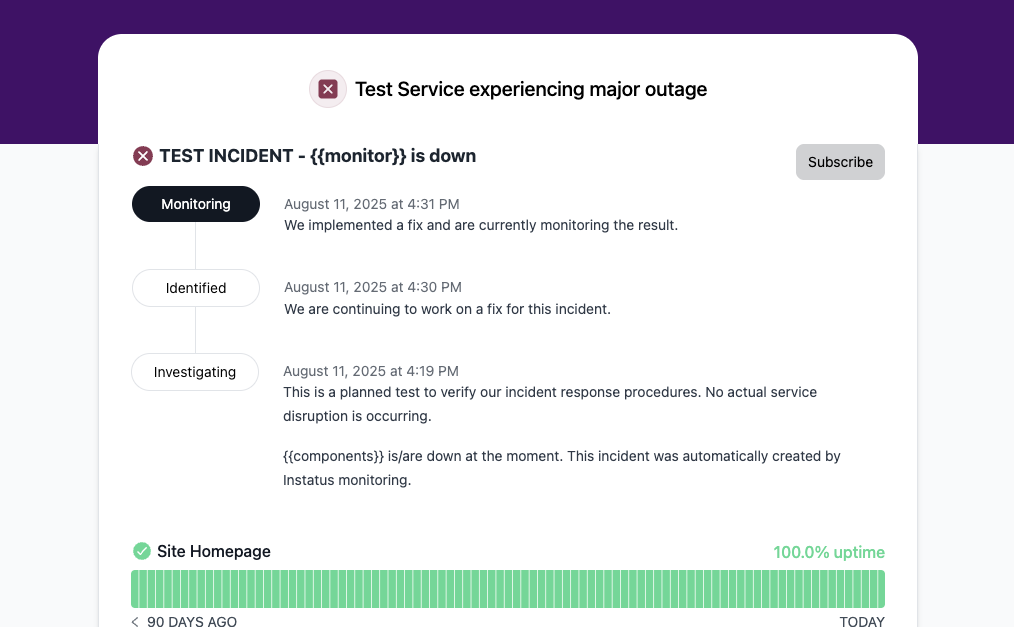
You can also subscribe to updates during an active incident by clicking the “Subscribe to Updates” button that appears on the incident’s page.
During Service Interruptions
When an outage or service disruption occurs, our team will post detailed information to the status page, including:
- The nature and scope of the issue
- Regular progress updates as we work toward a solution
- Post-incident summaries once service is restored
When there is an active issue, a banner will display at the top of the page, along with the current status.
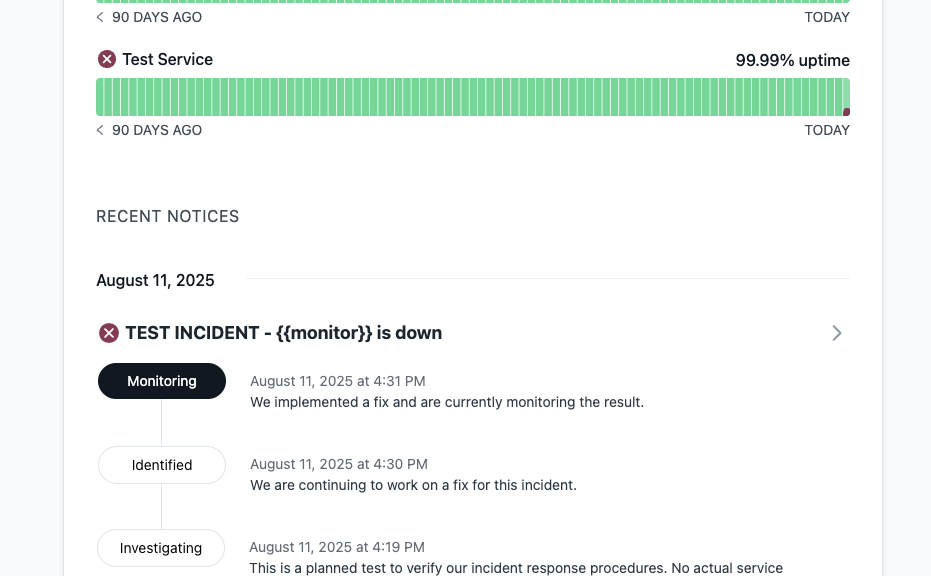
The bottom of the page will display information about the current issue as well as any recent issues.
Need More Help?
If you’re experiencing issues that aren’t reflected on the status page, or if you have questions about a current incident, please file a ticket in FreshDesk.