Our end of January update includes a new address collection feature, options for the Post River block, and bug fixes. Check out the full update below and reach out to us via Freshdesk if you have any questions or feedback. You can also check out past Lede platform updates.
Address Collection Feature
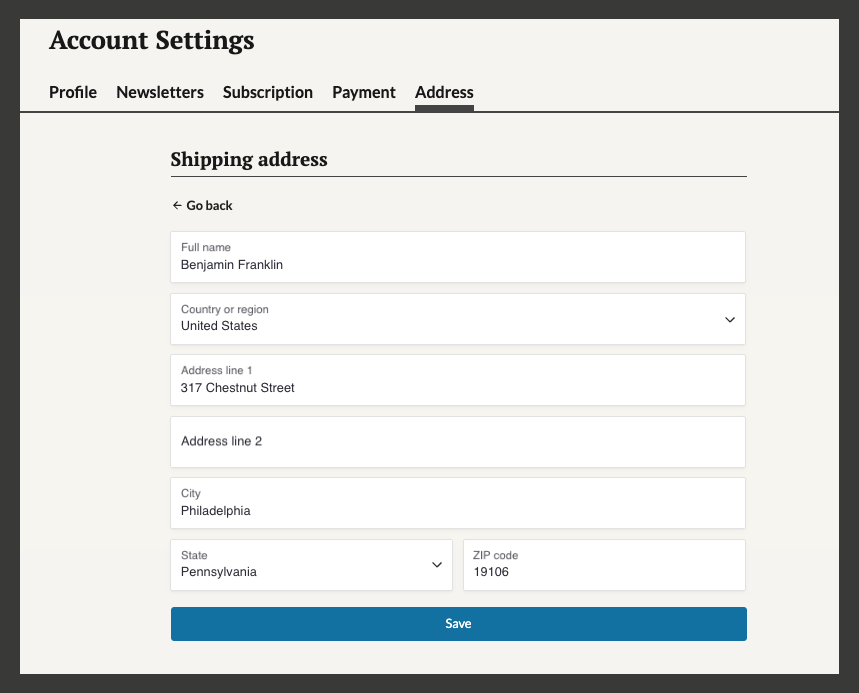
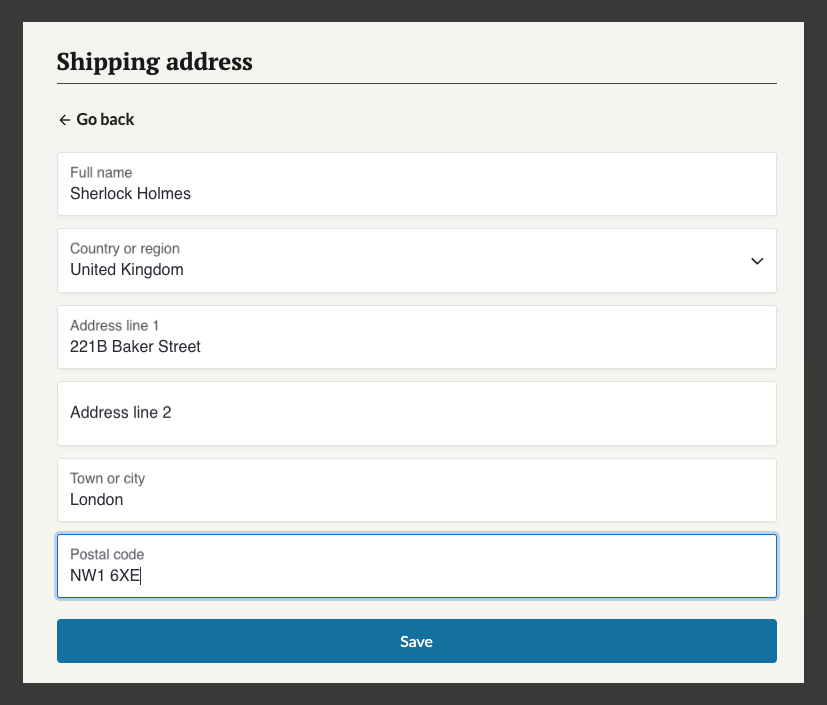
We’re pleased to announce the launch of street address collection functionality for Lede publishers. All logged-in users can now access an Address tab in their account settings, featuring a comprehensive form that syncs directly with Stripe. The form accommodates both domestic and international addresses, with fields for name, street address, city, state/province, and country. This feature is available to both registered users and paid subscribers. So if you ever want to send that little “extra” to your subscribers, half the work is already done!
Please note: The address collection feature is disabled by default. To enable it for your publication, submit a Fresh Desk ticket requesting activation.
Example of the US address form
Example of the UK address form
Post River Layout Enhancement
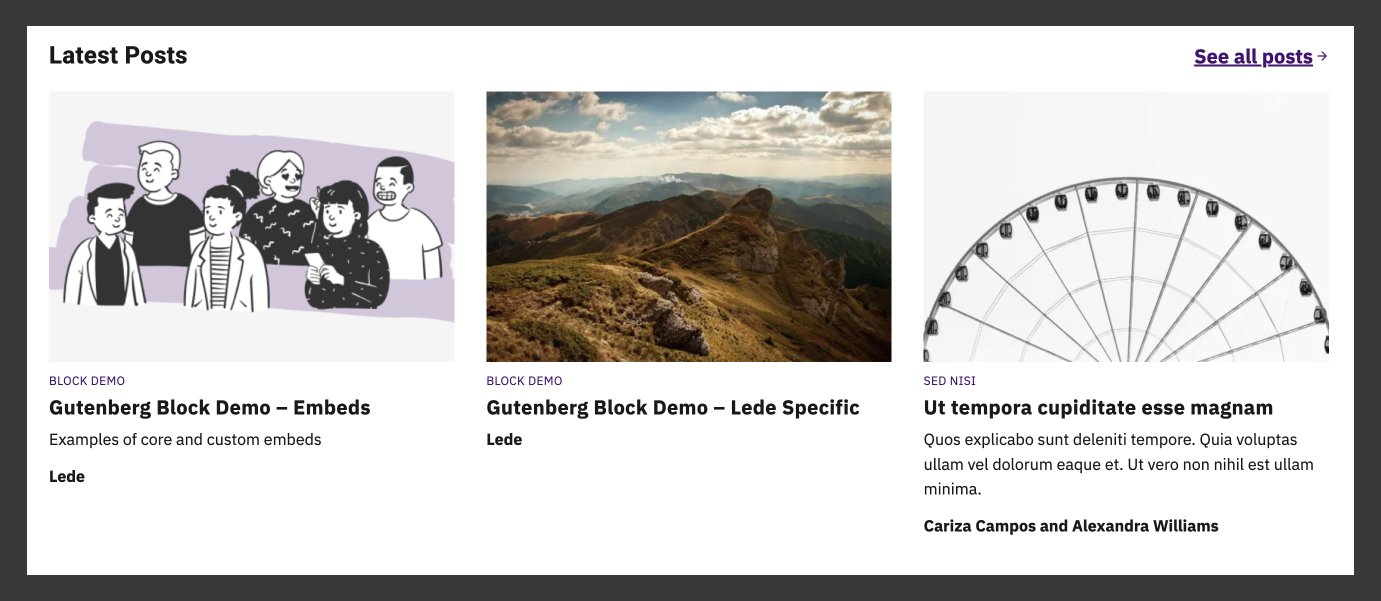
The Post River homepage feature now offers an enhanced three-across grid layout option, supporting up to 12 posts. This responsive layout automatically adjusts to display three columns on desktop screens, two columns on tablets, and a single column on mobile devices. The layout preserves all standard functionality, including a customizable heading and CTA link, bylines formats, CTA links, while featuring prominent images.
Instructions
Access your homepage in the editor
Locate the Post River block
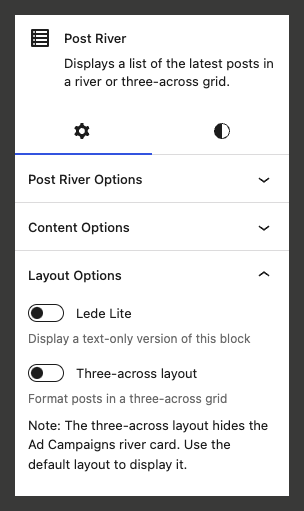
Navigate to Layout Options in the block sidebar
Select “Three Across” layout
Preview the layout change by clicking the View icon and selecting “Preview in a new tab”
Considerations
For optimal visual balance, configure post count to a multiple of three
When enabled, CTA elements display above post cards
Ad Campaigns river card functionality requires the default layout
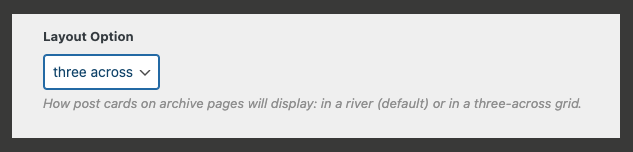
Archive pages (All, category, tag, search, and author) support this layout via Lede > Brand Appearance > Archive styles > Layout Option. Live example of three across on archive pages.
To adjust the number of posts displayed on archive pages, navigate to Settings > Reading and modify “Blog posts show at most” to a number divisible by three (such as 9 or 12)
The Post River block sidebar
Three across setting in Brand Appearance menu
Example of the three-across Post River block
Bug fixes and improvements
- Increased stability of the Fundraise Up block
- Addressed an issue where non-default templates were not displaying properly for users who weren’t logged into WordPress
- Addressed an issue where the incorrect font size displayed on articles on initial page load